Shop at SM Malls Online
 How Often Should You Reboot Your Phones and Tablets?
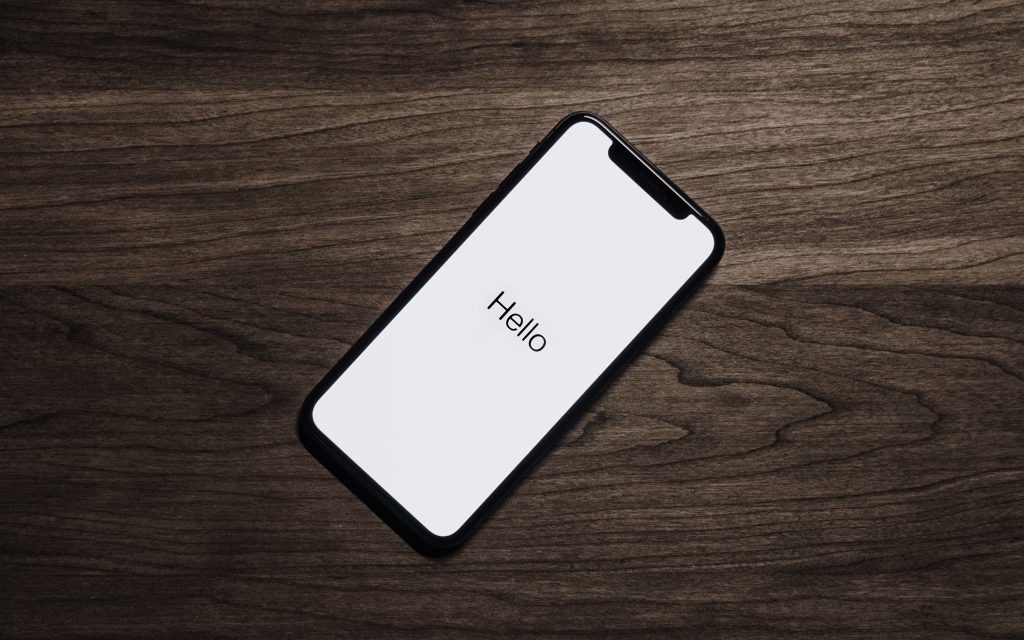
When our cellphones and tablets go a little haywire, it can get incredibly frustrating, especially since so many aspects of our lives currently depend on them. In case you didn’t know, though, simply turning them off and then back on again can solve many problems. In fact, if you schedule regular reboots for your gadgets, you may not encounter any random issues again.
Yes, rebooting your cellphones and tablets is important, especially if you use them around the clock. To avoid slow performance, random glitches, and connectivity issues; now is the time to start thinking about a rebooting schedule for your gadgets.
How often should you reboot them?
You should reboot your cellphones and tablets once a week if:
- Your cellphone or tablet keeps lagging
- You experience glitches on a regular basis
- You notice that your cellphone or tablet has been performing and reacting slower than usual
How do you reboot your gadgets?

If you have an Android cellphone or tablet:
- Hold down the Power button until you see the power menu.
- Tap on Restart
Conversely, if the power menu doesn’t show up:
- Keep holding down the Power button until the cellphone or tablet turns off.
- Press the Power button again to turn it on again.
If your Android cellphone or tablet allows it, you may also schedule automatic reboots so you don’t forget.
For Samsung Galaxy, here’s how it works:
- Go to Settings and use the search bar to find Auto Restart at Set Times.
Conversely, you may follow these steps:
- Go to Settings and click on Battery and Device Care.
- Click on the three dots and click on Automation.
- From there, you can choose the day and time to schedule an automatic reboot.

If you have an iPhone or iPad:
- Hold down the Power button and volume button until it says Slide to Power Off.
- Slide to power off.
- Press down the Power button again to turn it on again.
It’s time to say hello to a smoother life with your cellphones and tablets from here on out. If you ever need any gadget upgrades or accessories, though, make sure to visit an SM Cyberzone near you- they have a varied range of tech stores in all their locations..
Written by: Angeline Rodriguez
Angeline Rodriguez is the Managing Editor of When In Manila and an Editor at Newsweek Amplify. She is a gamer and a geek with a mad love for anime and KDramas.
http://cbz-v1-alb-1508438202.ap-southeast-1.elb.amazonaws.com/tech-update/sm-cyberzone-branches/
http://cbz-v1-alb-1508438202.ap-southeast-1.elb.amazonaws.com/tech-update/heres-how-to-take-care-of-your-phone-batteries-in-9-ways/
http://cbz-v1-alb-1508438202.ap-southeast-1.elb.amazonaws.com/tech-update/how-to-keep-your-kids-safe-online/